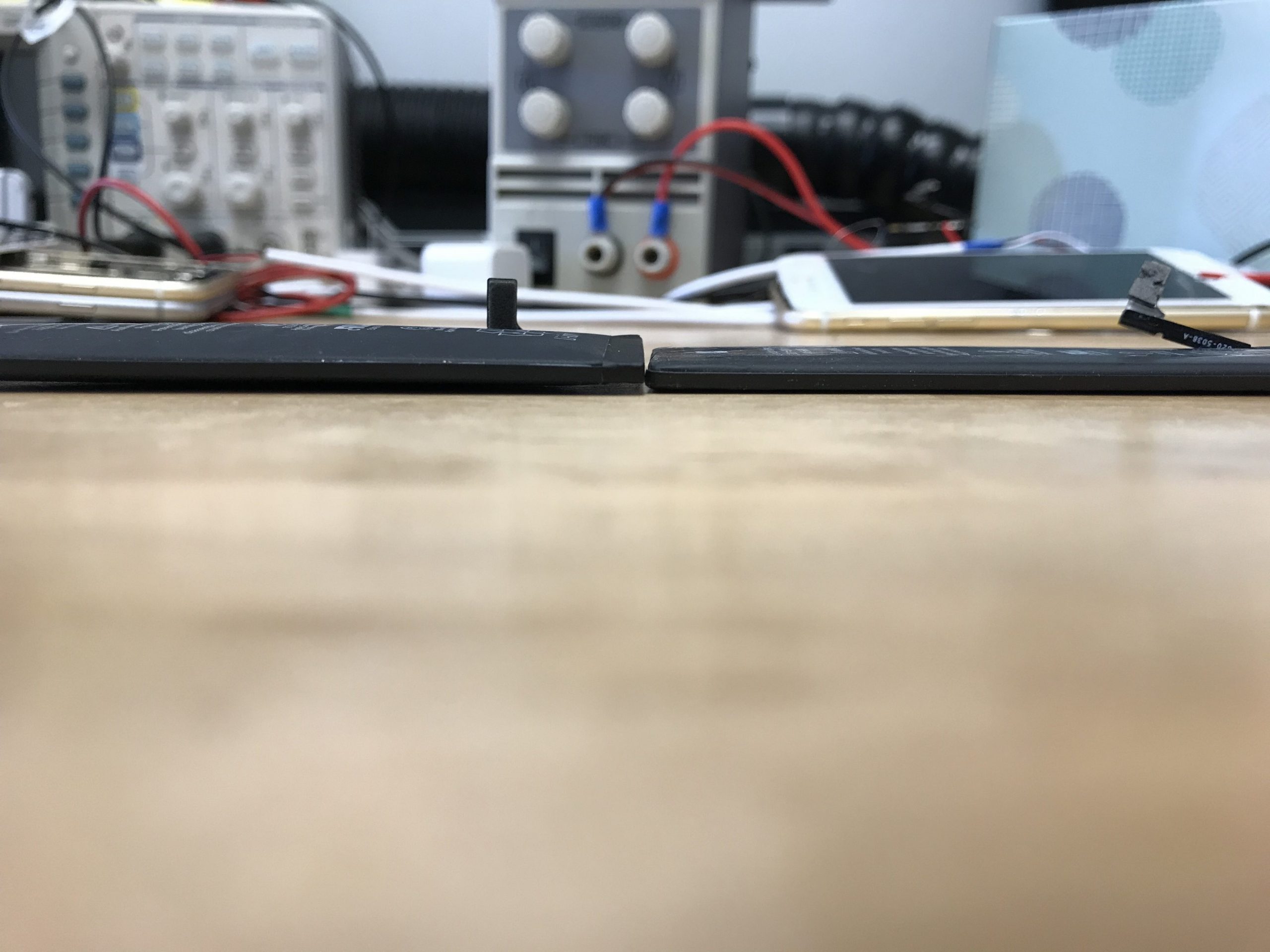
Phone batteries wear out. It’s chemistry, not a defect. After a couple of years of daily charging, most batteries hold noticeably less charge than they did new. The good news is that a battery replacement is one of the quickest and cheapest ways to make an older phone feel new again.
Signs your battery is worn out
- It doesn’t last the day anymore, even with normal use
- It never reaches 100%, or it jumps from 100% to 90% right away
- The percentage drops in big jumps, like 40% to 15%
- The phone shuts off at 10% or 20%, or when it’s cold outside
- It feels slow, especially opening the camera or apps
- It gets warm when it shouldn’t
How to check battery health
iPhone: go to Settings, Battery, Battery Health. If maximum capacity is around 80% or lower, or it says “Service,” the battery is due.
Samsung Galaxy: open the Samsung Members app and run the battery diagnostic, or check Settings, Battery and device care, Diagnostics.
Pixel: Settings, Battery, Battery health on newer models.
These numbers aren’t perfect, but they’re a good starting point. We also test batteries on the bench.
When it’s not the battery
Some symptoms look like a bad battery but come from somewhere else:
- Charging problems, where the phone isn’t actually getting full power, can be the charging port or the charging chip
- Software can drain a battery fast, especially after an update or with a stuck app
- Liquid damage can cause a slow drain even with the phone off
That’s why we test before replacing anything.
Watch out for swelling
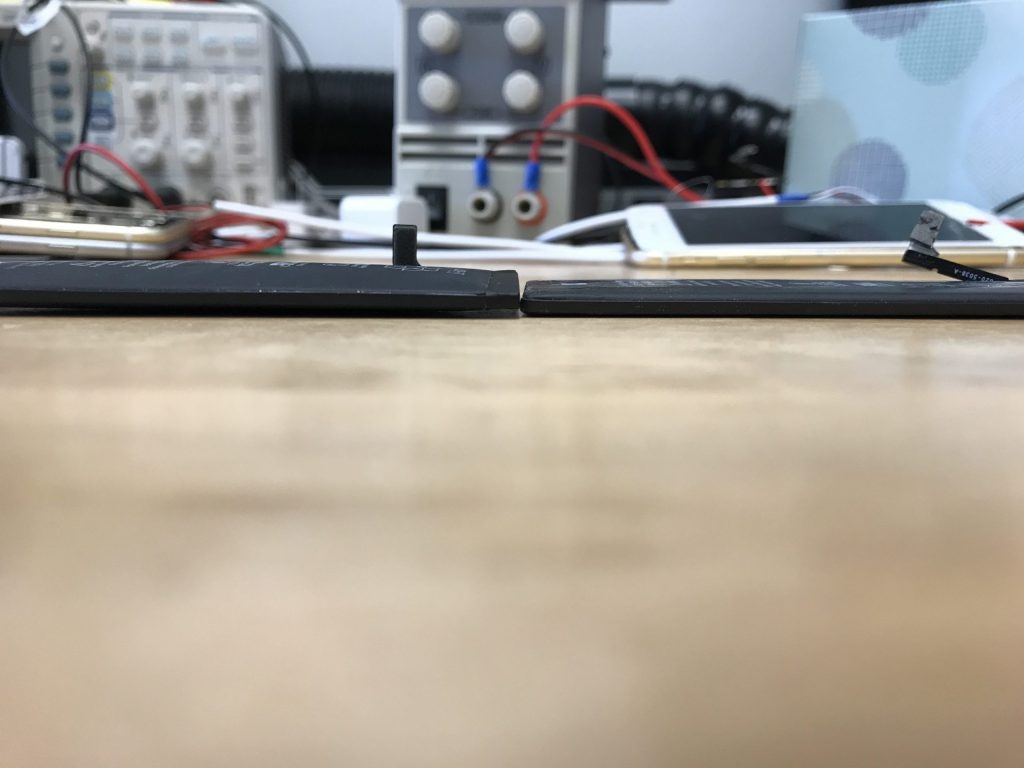
If the screen is lifting away from the frame, or the back is bulging, the battery is swelling. Stop charging the phone and bring it in. A swollen battery can crack the screen and, in rare cases, catch fire if it’s punctured.
Tips to make a battery last longer
- Avoid leaving your phone in a hot car
- Don’t let it sit at 0% for long periods
- Use the optimized charging setting if your phone has it
- Use a quality charger
What happens during a battery replacement
On most phones the battery is glued in with stretch-release adhesive strips. We open the phone, disconnect the battery first, remove the old battery without bending it (a bent lithium battery is a fire risk), clean the frame, and install the new one with fresh adhesive. Then we power it on, check that it charges and shows the right percentage, and on iPhones we check what Battery Health reports.
Battery Health messages on iPhone
After a battery replacement, some iPhones show a message that the battery can’t be verified as a genuine Apple part. The battery still works and charges normally, and the message doesn’t affect performance. We’ll explain what you’ll see on your model before the repair, so there are no surprises.
Tablet and laptop batteries
iPad and MacBook batteries follow the same rules: if it won’t hold a charge, shuts off early or is swelling, it’s time. Laptop batteries that swell can push up the trackpad, so don’t ignore that one.
Frequently asked questions
How long does a battery replacement take?
Usually under an hour for most phones.
Will I lose anything?
No. Battery replacement doesn’t touch your data.
Do you replace batteries in tablets and laptops?
Yes, iPads, Galaxy Tabs and MacBooks too. See our tablet repair and MacBook repair pages.
Call Charging Port at (919) 908-7444 or stop by 4201 University Dr, Durham.