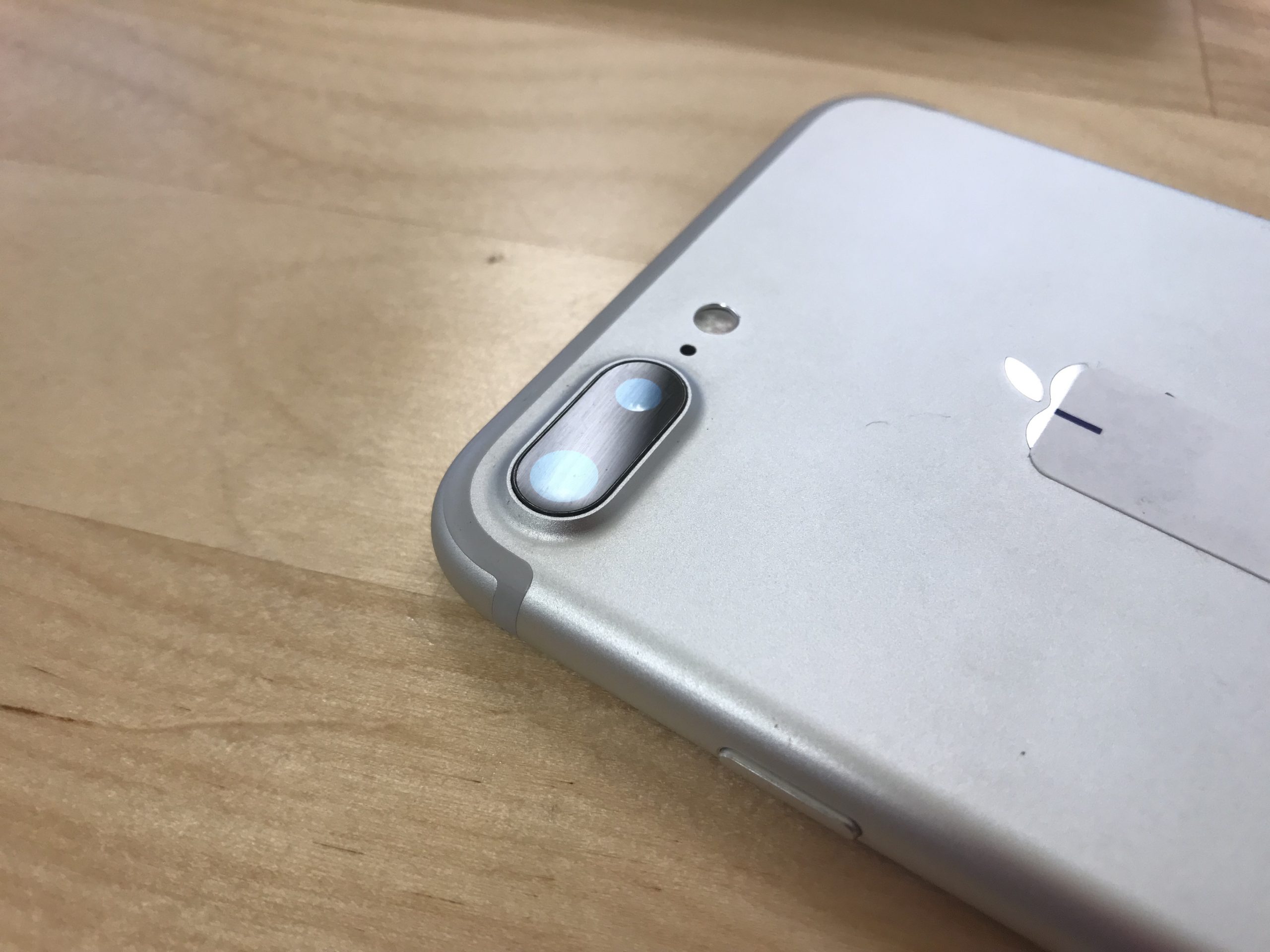
Your phone’s rear camera is probably the part you use most after the screen. When photos come out blurry, the camera app shows black, or the picture shakes, it’s frustrating, especially if you rely on your phone for work, kids’ photos or selling things online.
Lens or camera? Two different problems
The rear camera has two parts that fail in different ways.
The camera lens cover is the small piece of glass on the back of the phone that protects the camera. If it cracks, photos get hazy, glare streaks appear, or there’s a blurry spot in the same place in every shot.
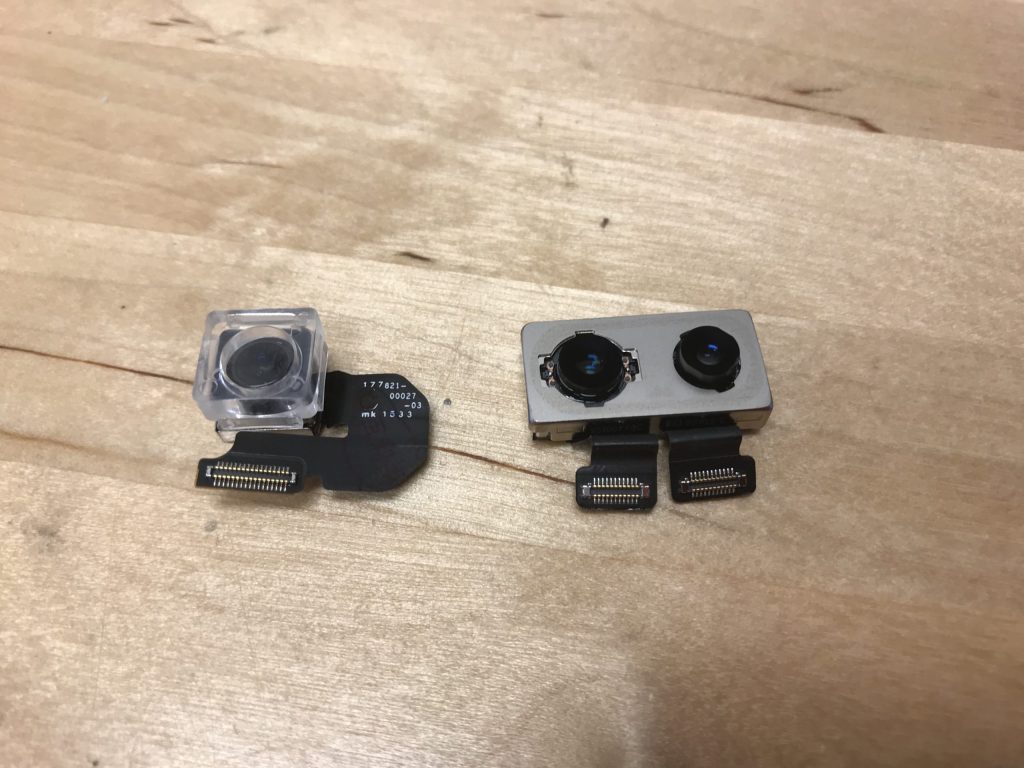
The camera module is the actual camera inside. When it fails, you get a black screen, a picture that won’t focus, shaking or buzzing, or errors in the camera app.
A lot of people assume the camera is dead when it’s just the lens cover, which is the cheaper repair.
Symptoms of a bad back camera
- Black screen when you open the camera app
- Photos that won’t focus, close up or far away
- The image shakes, wobbles or makes a clicking or buzzing sound
- Flash works but the picture stays black
- Spots, haze or streaks in every photo
- One lens works but switching to zoom or wide angle fails
Try these first
- Clean the lens with a microfiber cloth. A fingerprint can make every photo look soft.
- Remove the case. Magnetic and metal cases can interfere with stabilization on some phones.
- Restart the phone and test in a different camera app.
- Look at the lens glass with a flashlight for cracks or chips.
What causes rear camera damage
- Drops onto the back of the phone, especially on the camera bump
- Vibration. Motorcycle and bike phone mounts are well known for damaging the stabilization in iPhone cameras
- Liquid that gets behind the lens
- Pressure from keys or tools in the same pocket
How we fix it
We check the lens cover and the camera module separately. A cracked lens cover gets replaced with new glass. A failed module gets replaced and tested on every lens, including zoom and ultra-wide, plus video and stabilization. If a back glass replacement is also needed, we’ll tell you so both can be done at once.
Motorcycle mounts and iPhone cameras
Apple has actually warned about this: strong vibration from motorcycle engines, and sometimes scooters and bikes, can damage the optical image stabilization and autofocus in iPhone cameras. The symptom is a picture that shakes or buzzes, or a camera that won’t focus. If you ride with your phone mounted, use a mount with a vibration dampener. If the damage is done, the camera module needs replacing.
Frequently asked questions
My phone has three cameras and only one is broken. Do you replace all of them?
On many phones the rear cameras are one assembly, so the whole set is replaced together. We’ll tell you how it works for your model.
Can I still use the phone with a cracked lens cover?
Yes, but dust and moisture can get in and damage the camera itself, so it’s worth replacing soon.
How long does it take?
Usually the same day.
See our front camera post too, or call Charging Port at (919) 908-7444.