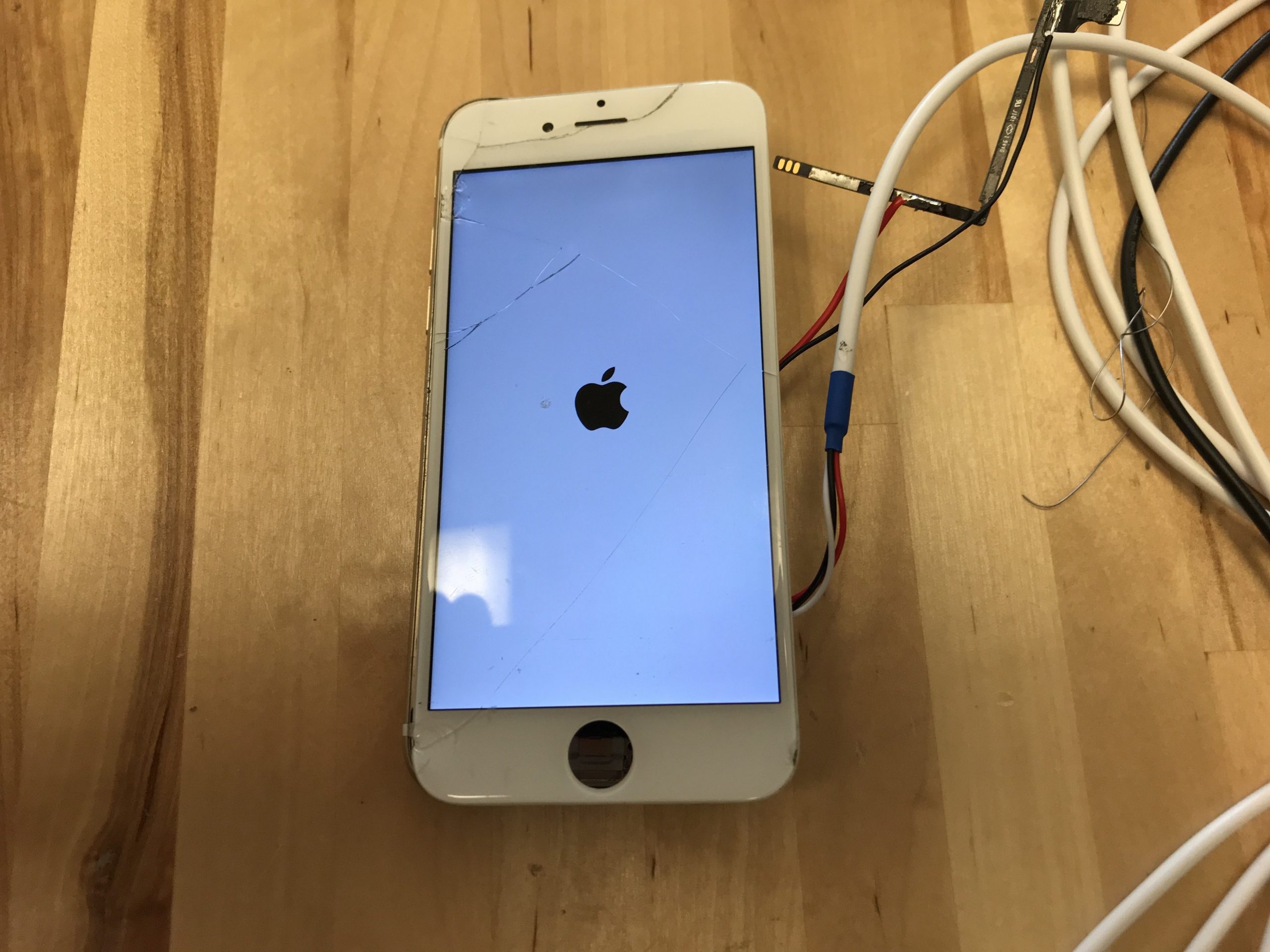
A cracked screen doesn’t always mean a broken display. Sometimes only the top layer of glass is damaged and everything underneath works perfectly. Knowing which one you have can save you money and help you understand what the shop is quoting.
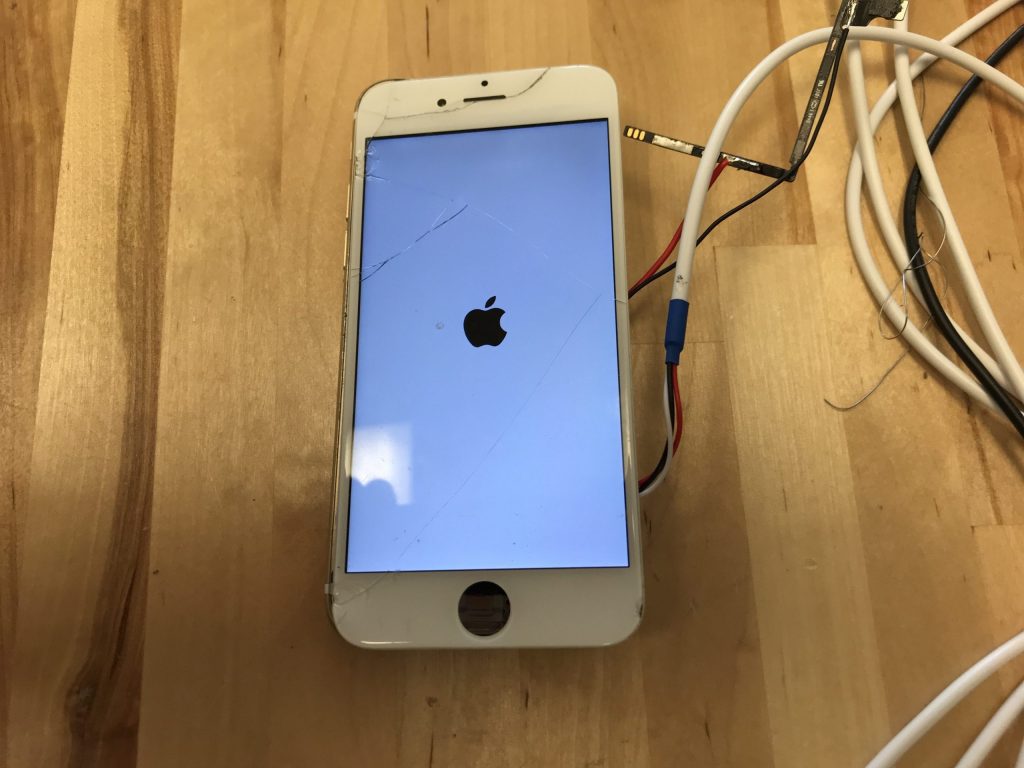
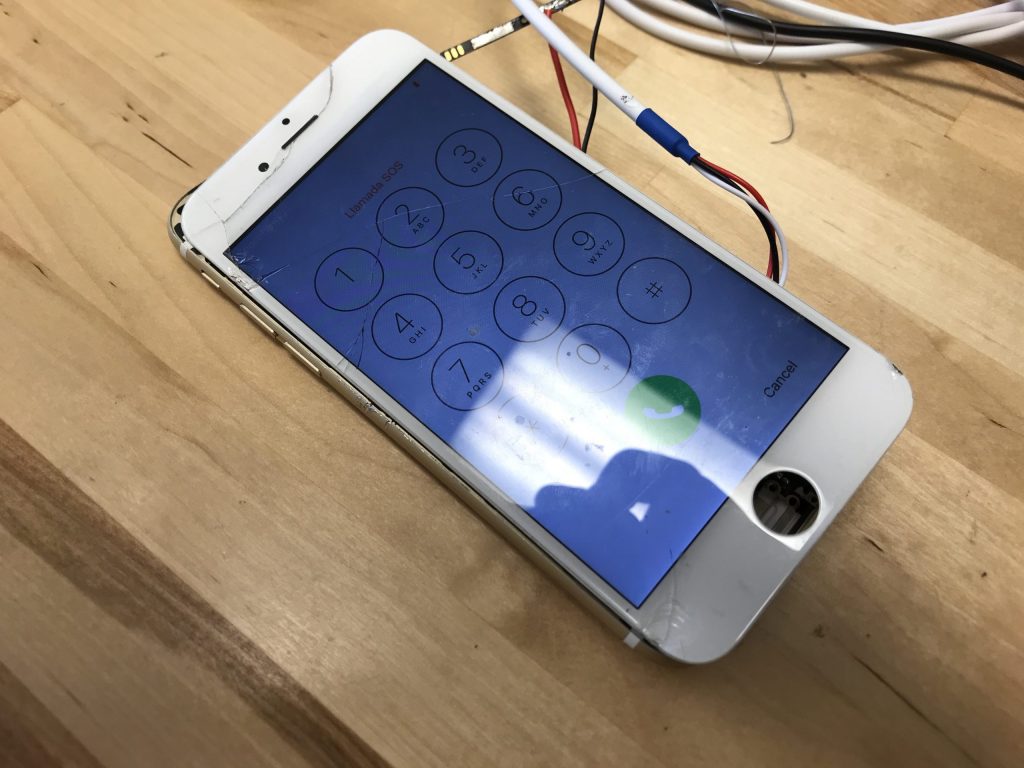
Glass damage vs. display damage
A phone screen is a stack of layers: the outer glass, a touch layer (digitizer), and the display panel that makes the picture. When you drop a phone, any of them can break.
Signs only the glass is cracked
- You can see cracks, but the picture under them is clear
- Colors look normal and there are no black spots or lines
- Touch works everywhere on the screen
Signs the display is damaged
- Black or purple blotches that spread over time
- Green, pink or white lines
- Parts of the screen that don’t respond to touch, or touches registering on their own
- A screen that flickers or stays black while the phone rings
Can you replace just the glass?
On older phones and many tablets, yes. The glass and display were separate parts, and replacing just the glass was the cheaper repair.
On most modern phones, the glass, touch layer and display are laminated together at the factory. Separating them takes special equipment, and the result depends heavily on the model. For most current iPhones and Galaxys, replacing the full screen assembly is the more reliable repair. We’ll tell you which option applies to your exact model.
Why you shouldn’t wait
Cracked glass protects the display a lot less than intact glass does. Small cracks spread, moisture and dust get in, and a crack that only touched the glass can reach the display after another bump. Sharp edges can also cut your fingers.
If the picture is still fine, a screen protector over the crack can buy you a little time. Just don’t leave it for months.
What we check before quoting
- Whether the display has any damage hiding under the cracks
- Whether Face ID, the front camera and the proximity sensor work
- Whether the frame is bent, which can crack a new screen
- Whether the battery is swelling, which can push the screen up
A quick test you can do at home
Turn the brightness all the way up and open a plain white screen, like a blank note. Look for dark spots, lines, or areas that look dimmer than the rest. Then open a black image and look for bright lines or colored dots. Finally, drag one app icon slowly across every part of the screen. If it drops or jumps in one area, the touch layer is damaged there. If all three tests look normal, the damage is likely limited to the glass.
Tablets are different
On many iPads and Galaxy Tabs, the glass and display really are separate, so glass-only repair is often possible and much cheaper. See our tablet repair page.
Frequently asked questions
Will a new screen look as good as the original?
That depends on the screen grade. For iPhones we offer Premium and Select options, and we’ll show you the difference. See our iPhone repair page.
How long does a screen replacement take?
Most phone screens are done the same day, often within an hour or two.
Do I need to back up first?
It’s always a good idea, but a screen replacement doesn’t erase your data.
Cracked screen? Stop by Charging Port at 4201 University Dr in Durham or call (919) 908-7444. Diagnostics are free.