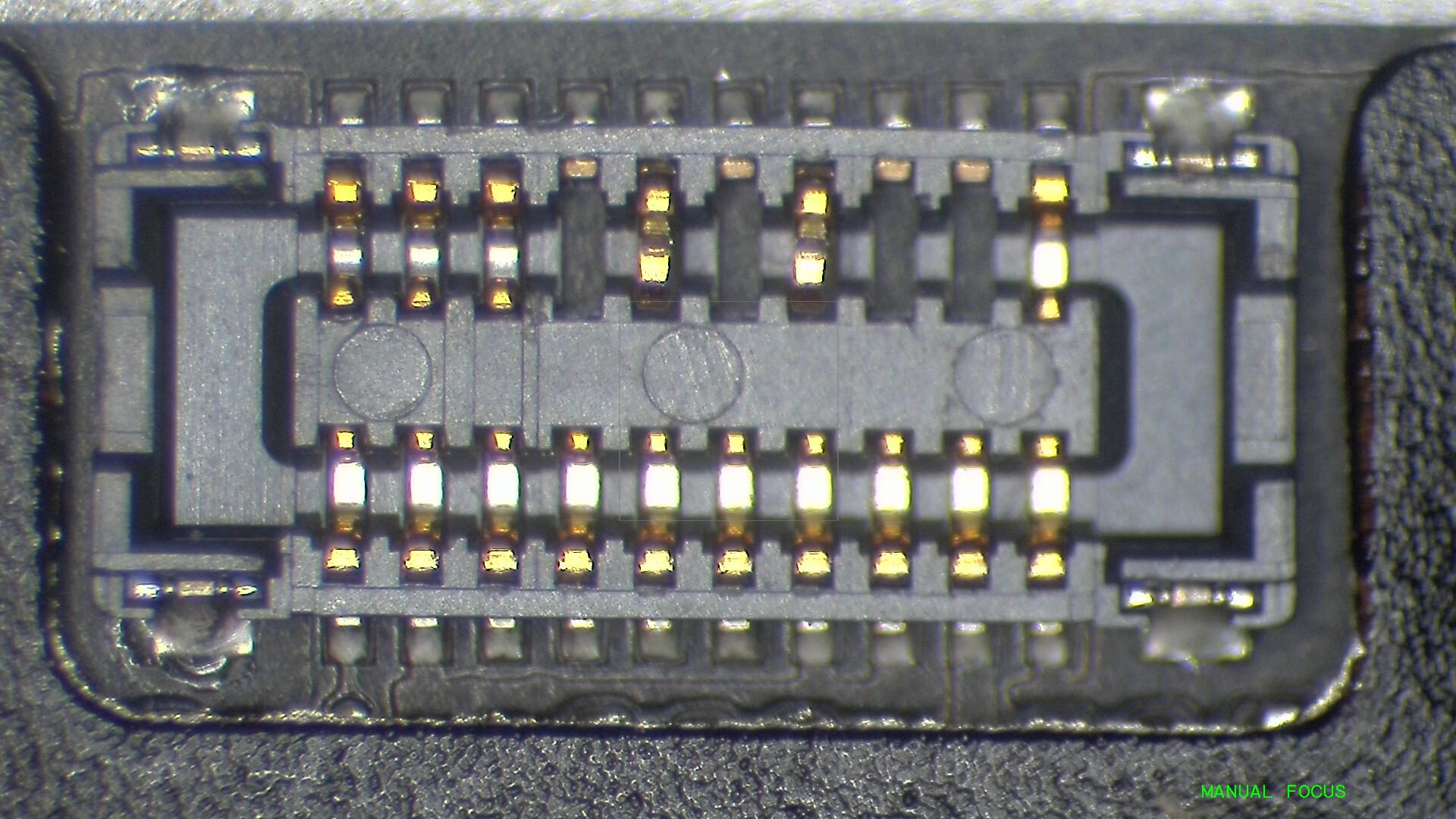
An FPC connector is the tiny socket on a logic board where a flex cable plugs in: the screen, the touch digitizer, the battery, the cameras. On iPads, especially the iPad mini and the regular iPad, the digitizer connector gets damaged a lot, and when it does, a brand-new screen won’t respond to touch.
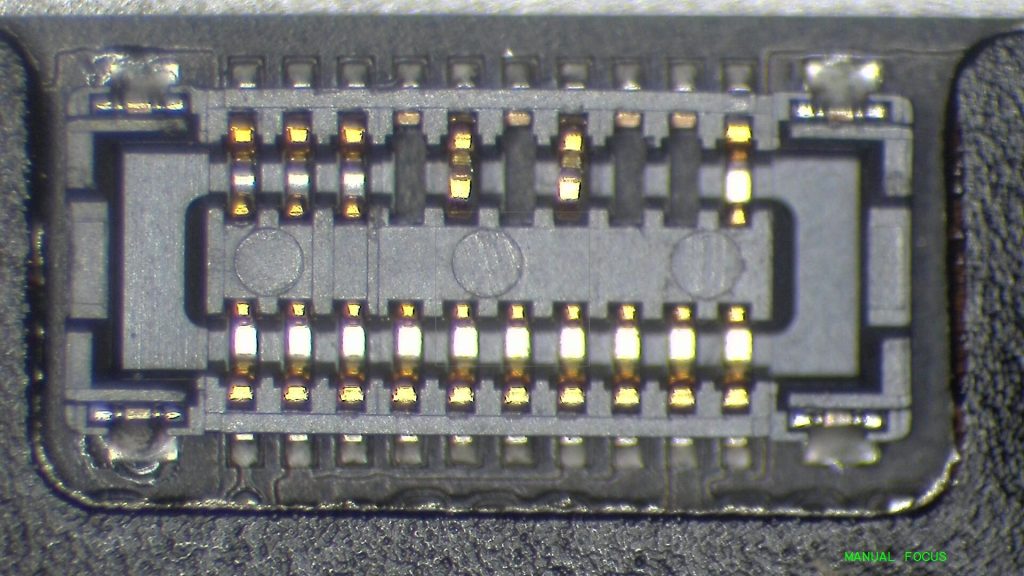
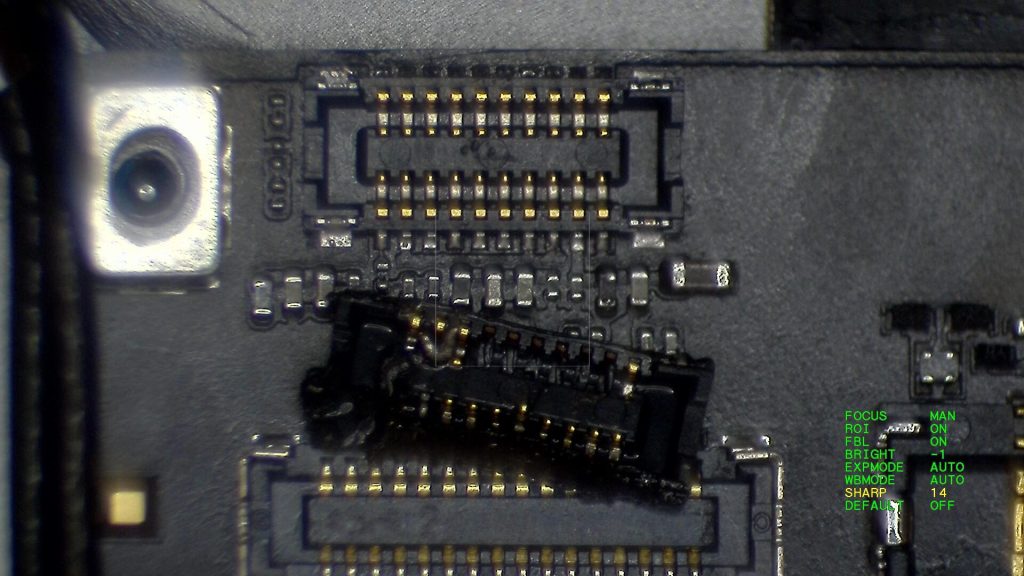
Signs of a damaged digitizer connector
- Touch doesn’t work at all after a glass replacement
- Only part of the screen responds, often a band or strip
- Touch works when you press on a certain spot near the connector
- Ghost touches that continue with a new digitizer
- The connector looks crooked, cracked or has missing pins under magnification
How connectors get damaged
- Prying during a glass replacement. Old iPad glass is glued down hard, and a pry tool that slips can hit the connector.
- Plugging the cable in crooked or forcing it down, which bends or crushes the pins
- Connecting with the battery attached, which can burn a pin or a filter next to the connector
- Liquid damage that corrodes the pins
- A drop that cracks the solder joints
How we repair it
- We inspect the connector under the microscope and test each line
- If pins are bent, sometimes they can be straightened and reflowed
- If the connector is cracked or burned, we remove it with hot air and solder on a new one
- If pads underneath were torn off, we rebuild them with fine jumper wire
- We check the small filters next to the connector, which often burn along with it
- We test touch across the entire screen before closing the iPad
This kind of work is why we have microscopes on every bench. Connectors on iPads and phones are often less than half a millimeter between pins.
Not just iPads
The same repair applies to:
- iPhone screen and battery connectors
- MacBook display and keyboard connectors
- Nintendo Switch and game console connectors
If a shop told you your device needs a new logic board because “the connector is broken,” get a second opinion. Connectors can be replaced.
Why iPad connectors fail so often
iPads are big, flat and get dropped flat on their face, which flexes the whole board. Kids carry them, toss them and fall asleep on them. And older iPads were mostly repaired by replacing glass that’s glued down hard, which means a lot of prying right next to the board. Put those together and the digitizer connector becomes one of the most common board-level repairs on iPads.
Second opinions are free
If another shop told you your iPad needs a new logic board or isn’t worth fixing because of a “broken connector,” bring it in. Diagnostics are free, and connector replacement is routine for us.
Frequently asked questions
Can I avoid this when replacing glass myself?
Disconnect the battery first, use plastic tools near the board, and line the connector up perfectly before pressing it down.
How long does a connector repair take?
Usually a day or two, depending on parts.
Will I lose data?
No. Connector repair doesn’t affect storage.
See our micro-soldering repair and iPad repair pages, or call Charging Port at (919) 908-7444.