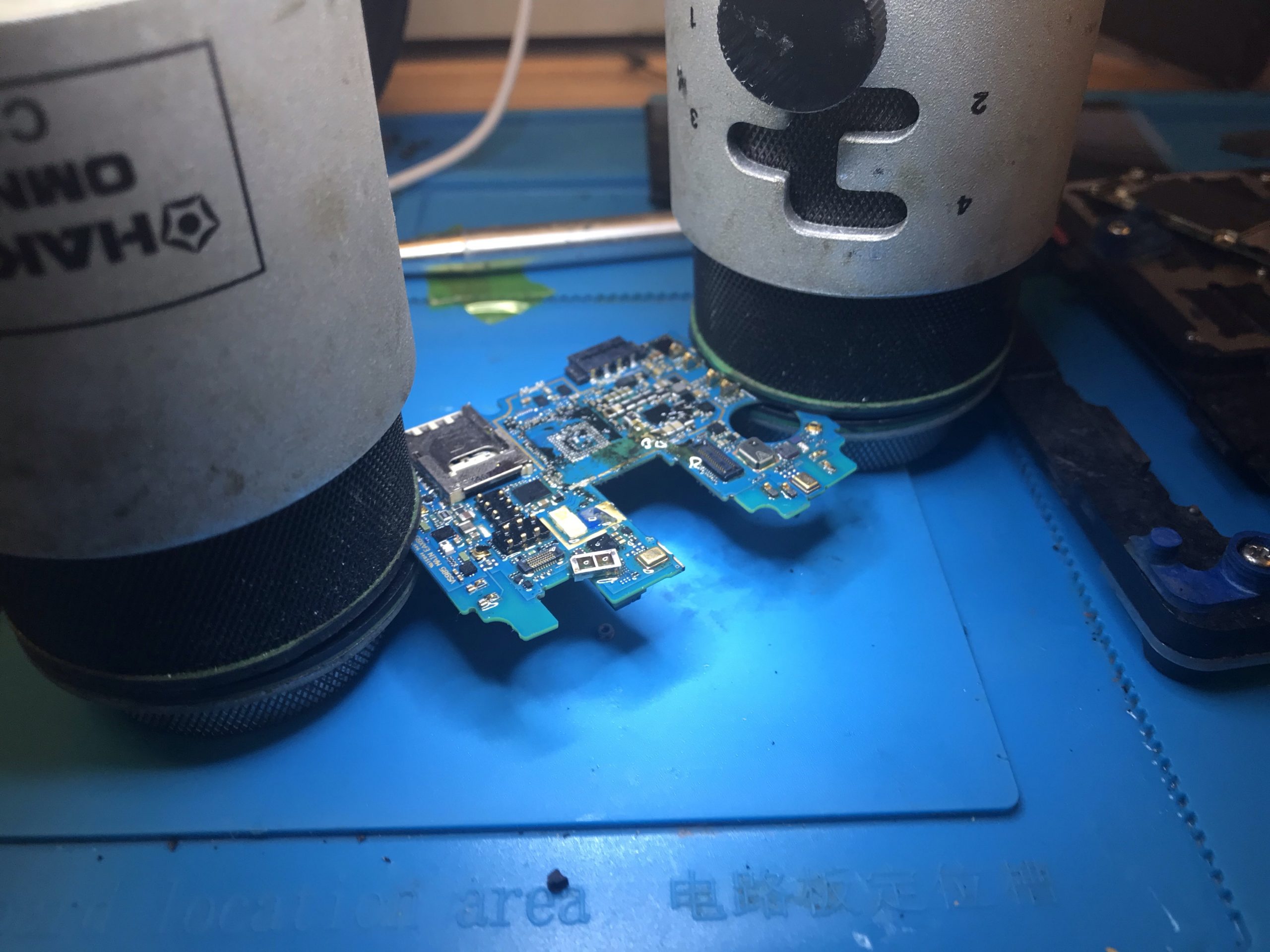
This post started with an older LG phone that was stuck in a boot loop. It showed the logo, restarted, showed the logo again, and never made it to the home screen. The owner didn’t care about the phone. They cared about three years of photos that weren’t backed up. That situation hasn’t changed, even though the phones have.
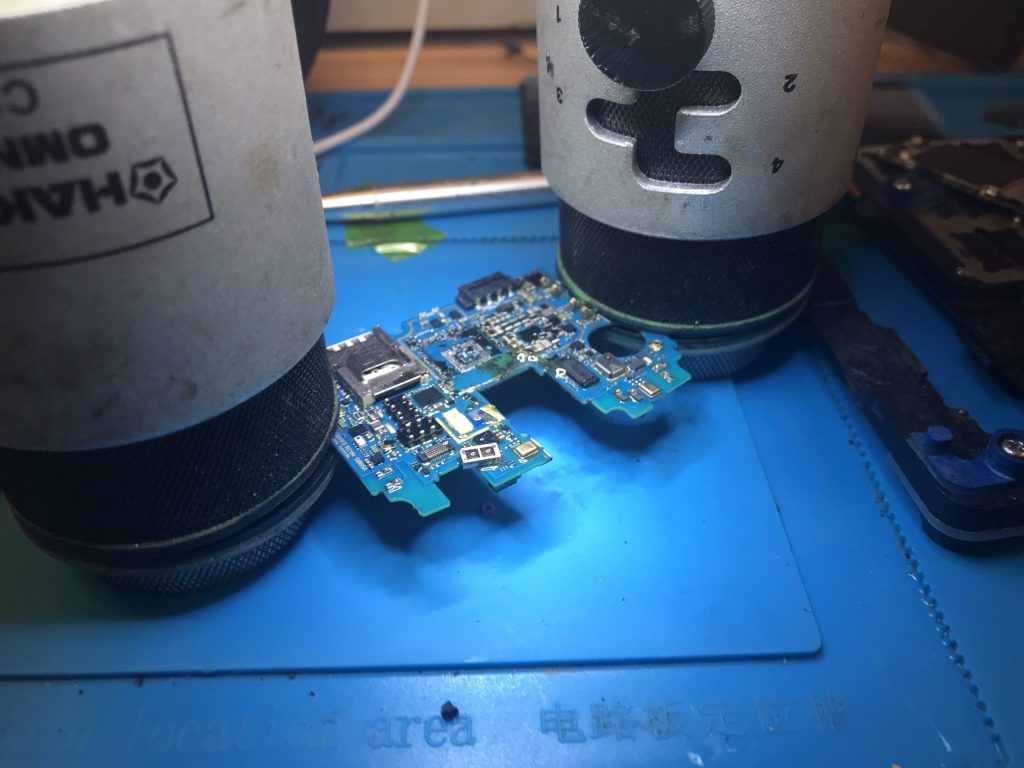
Why phones get stuck or go unresponsive
- Solder joints cracking under a chip. Some older phones, including a few well-known LG models, had a design issue where heat cycles cracked the joints under the processor or memory. The result was a boot loop that got worse over time.
- Liquid damage that corrodes the power or memory circuits
- A drop that damages a component on the board
- A failed or corrupted update that leaves the phone unable to finish booting
- A dying battery that can’t supply enough power during startup
Software or hardware?
Some boot loops are software problems, and a reset would fix them. The catch is that a factory reset erases everything. So if you need your data, don’t reset the phone. Bring it in first. We’ll figure out whether it’s a hardware fault we can repair or a software problem we can work around without wiping your data.
How data recovery works on phones
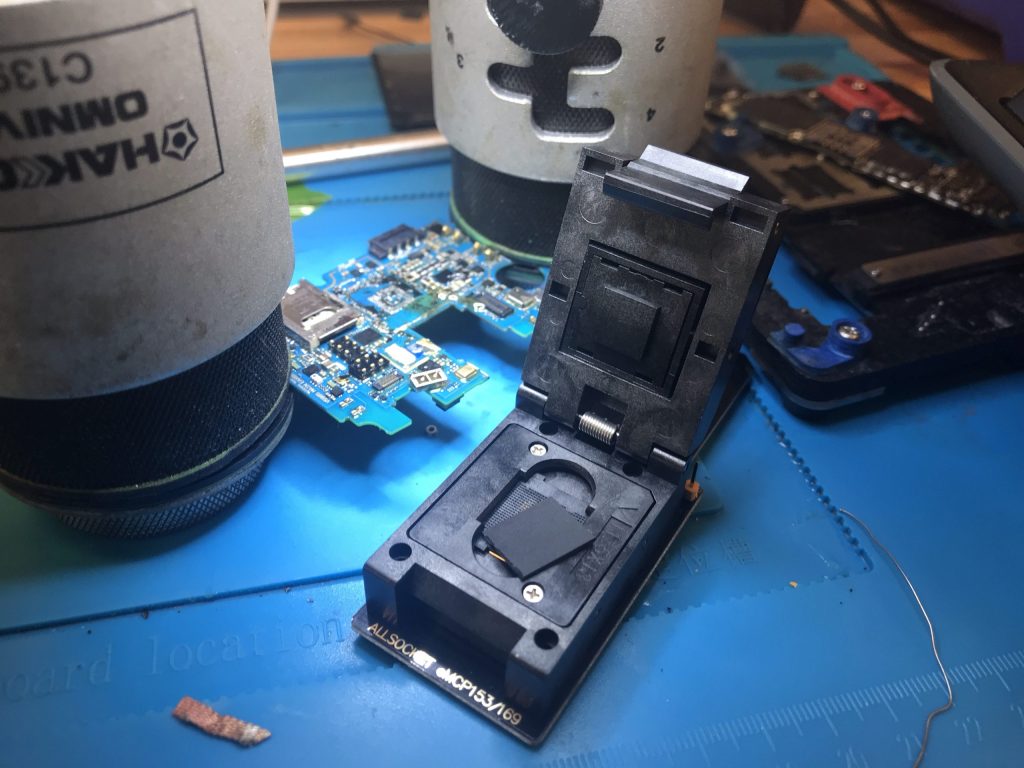
On modern phones, your data is stored on a chip soldered to the board, and it’s encrypted with keys tied to that specific phone. That means you can’t just pull the storage out and read it somewhere else. The phone itself has to work, at least long enough to unlock it and copy your data.
So phone data recovery is really board repair:
- Diagnose why the phone won’t boot, using a power supply, thermal camera and microscope
- Repair or replace the failed components, or rework the joints that cracked
- Get the phone to boot and unlock with your passcode
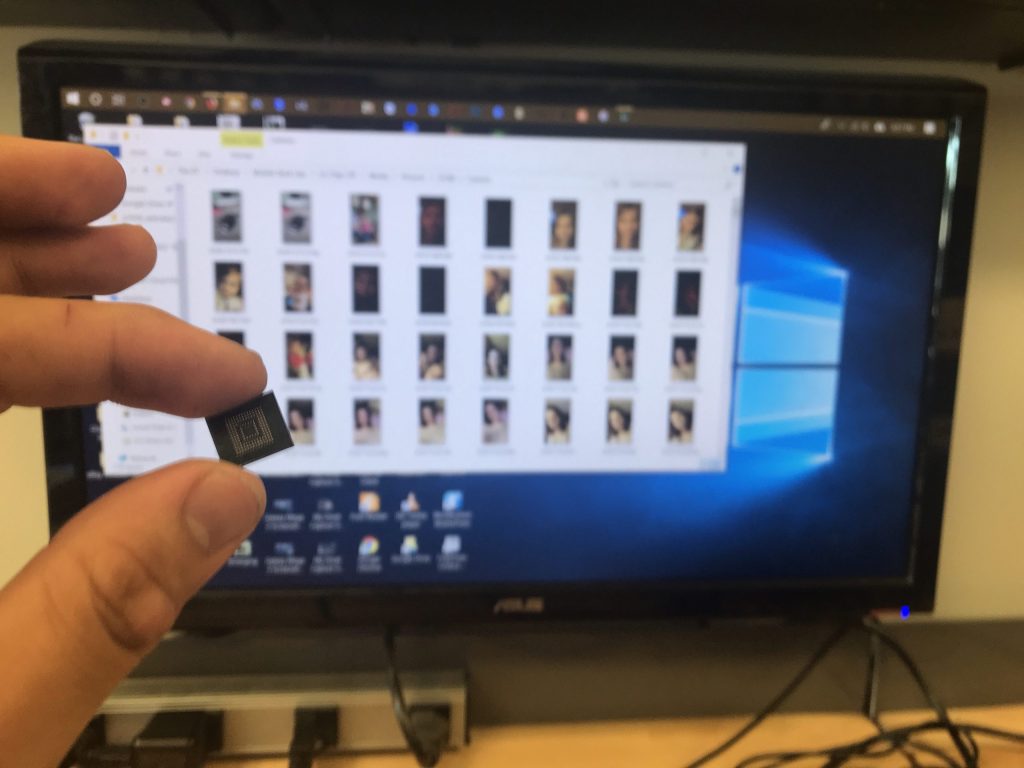
- Copy your photos, contacts and files to a new phone, computer or drive
Sometimes the phone ends up fully working again. Other times it’s only stable long enough to get the data off, which is fine. The data is the point.
What to do right now
- Don’t factory reset it
- Don’t keep charging a phone that got wet
- Don’t let anyone replace the logic board if you need your data. A new board means the data is gone
- Write down your passcode. You’ll need it
Frequently asked questions
Do you still work on older LG phones?
Yes, for data recovery. Parts for repair are harder to find, but getting the data off is usually still possible.
Can you recover data without my passcode?
No. Encryption is tied to your passcode, and we can’t bypass it. That’s a security feature, not a limitation of our shop.
What if the phone is completely dead?
That’s most of what we see. See our post on board-level data recovery.
Call Charging Port at (919) 908-7444 or see our micro-soldering and data recovery page.