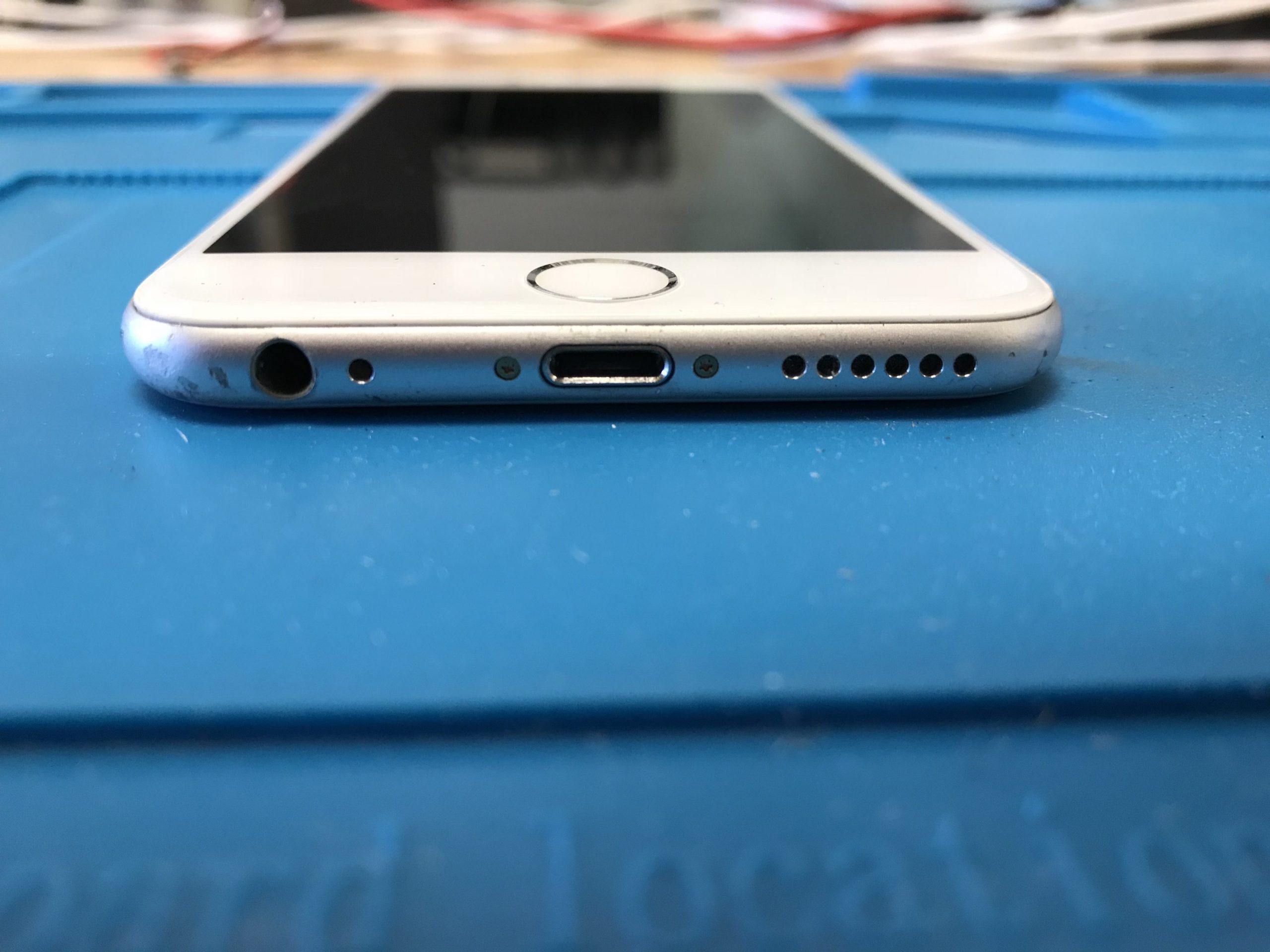
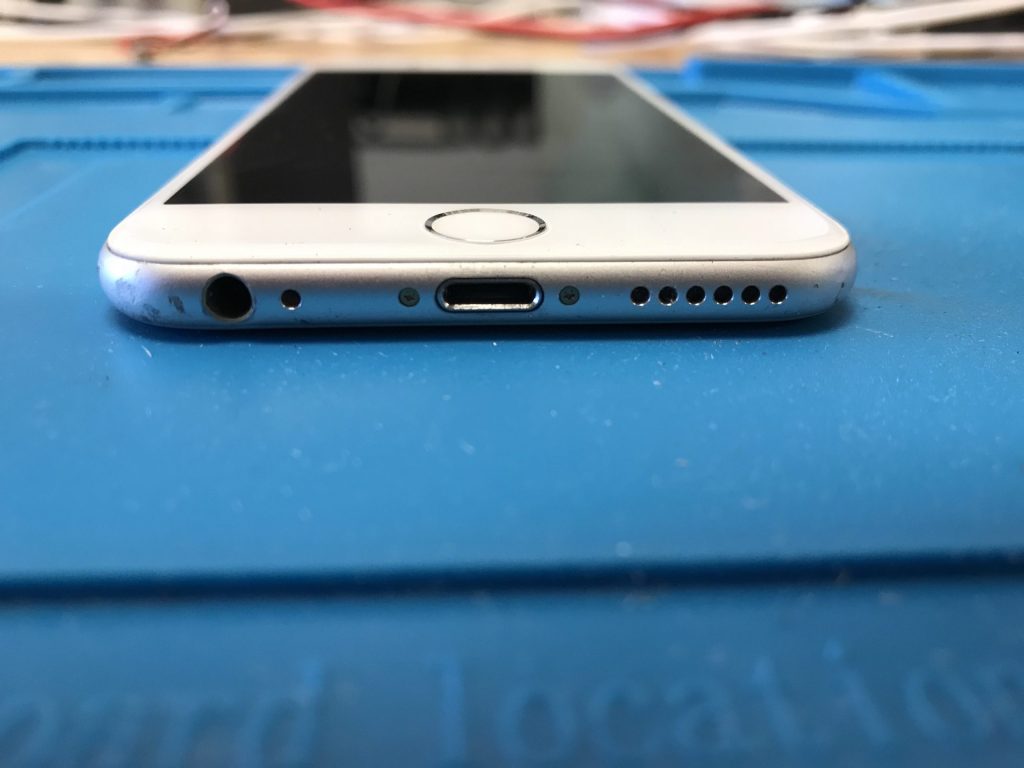
Your phone’s bottom speaker plays ringtones, music, videos and speakerphone calls. When it starts crackling, sounding muffled, or goes silent, it gets annoying fast. Before you assume the worst, there are a few things to check.
Symptoms of a bad loudspeaker
- No sound from videos or ringtones, but headphones or Bluetooth work fine
- Crackling, buzzing or rattling at higher volume
- Sound that’s much quieter than it used to be
- Speakerphone calls that sound distorted to you
- Sound that cuts in and out
Try these first
- Check the basics. Make sure the phone isn’t on silent, the volume is up, and Bluetooth isn’t connected to a speaker or headphones in another room.
- Restart the phone. Audio glitches after updates are common.
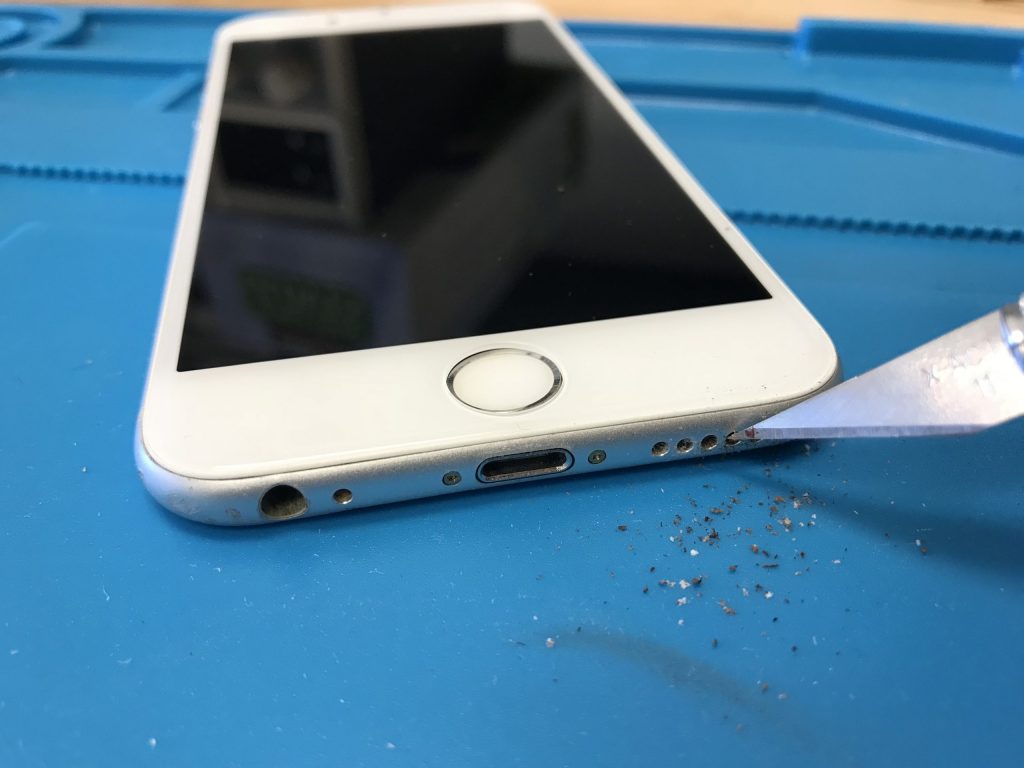
- Clean the speaker grille. Lint, dust and pocket debris clog the tiny holes at the bottom. A soft, dry toothbrush works well. Don’t push anything into the holes.
- Remove the case. Some cases partly block the speaker openings.
- Test with a different app. If sound works in one app but not another, it’s software.
If sound is still bad after all of that, it’s probably hardware.
What causes speaker failure
- Water. Even “water resistant” phones can get water behind the speaker mesh. It often sounds muffled until it dries, but minerals left behind can corrode the speaker.
- Drops. An impact can damage the speaker cone or loosen its connection.
- Wear. Playing music loud for years wears speakers out, like any speaker.
- The audio circuit. On some phones, especially some older iPhones, the problem is an audio chip on the logic board rather than the speaker itself.
How we fix it
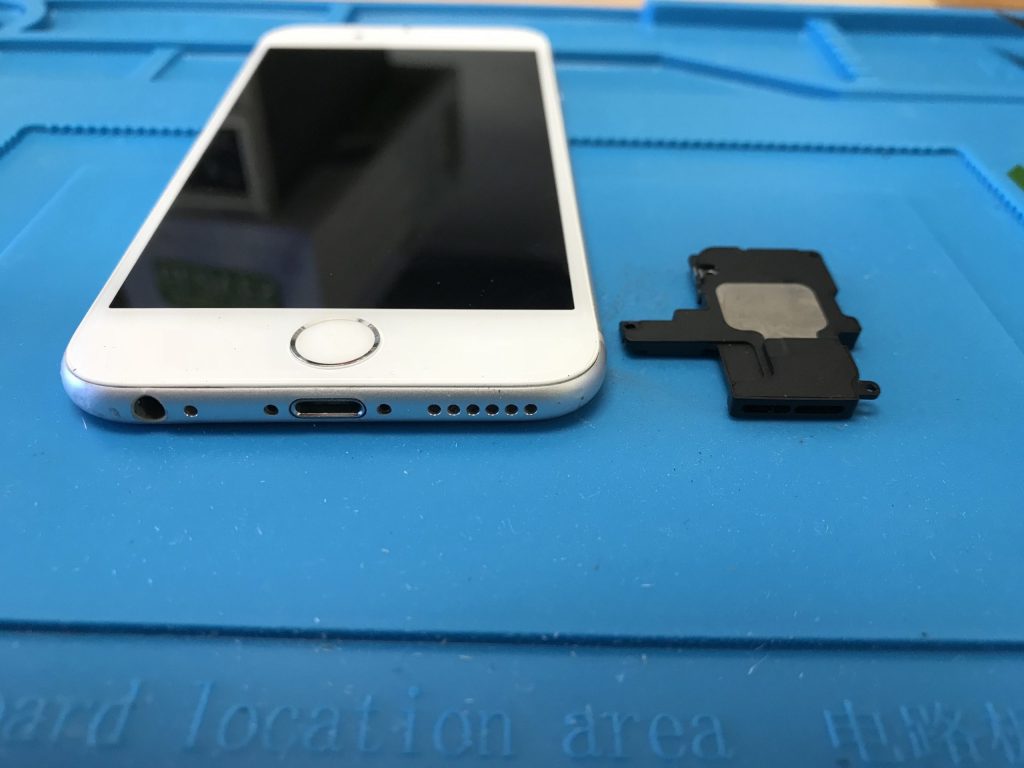
We test the speaker directly to find out whether it’s the speaker, the connection, or the board. Most of the time it’s the speaker module, which we replace. If water was involved, we clean any corrosion around the connector. If it’s the audio circuit, that’s board-level repair we can also do in the shop.
On iPhones, the loudspeaker is a separate part near the charging port. On many Android phones it’s built into the bottom board along with the port, so sometimes they’re replaced together.
Why water makes speakers sound muffled
Even on water-resistant phones, the speaker sits behind a fine mesh. Water trapped there acts like a blanket over the speaker and makes everything sound muffled. It often clears up as it dries. Some phones have a setting or app that plays a low tone to push water out. If the sound comes back but crackles, minerals left behind may have damaged the speaker cone, and it’s worth getting checked.
Speaker vs. software
If sound works through headphones or Bluetooth but not the phone’s speaker, it’s almost always hardware. If there’s no sound anywhere, from any app, through anything, it’s more likely software or the audio circuit on the board. That one clue saves a lot of guessing.
Frequently asked questions
My callers can’t hear me. Is that the speaker?
No, that’s usually the microphone. It’s often on the same flex cable as the charging port on iPhones. See our charging port post.
The earpiece is the problem, not the bottom speaker.
That’s a different part. Read our ear speaker post.
How long does it take?
Most speaker replacements are done the same day.
Call Charging Port at (919) 908-7444 or stop by 4201 University Dr in Durham.