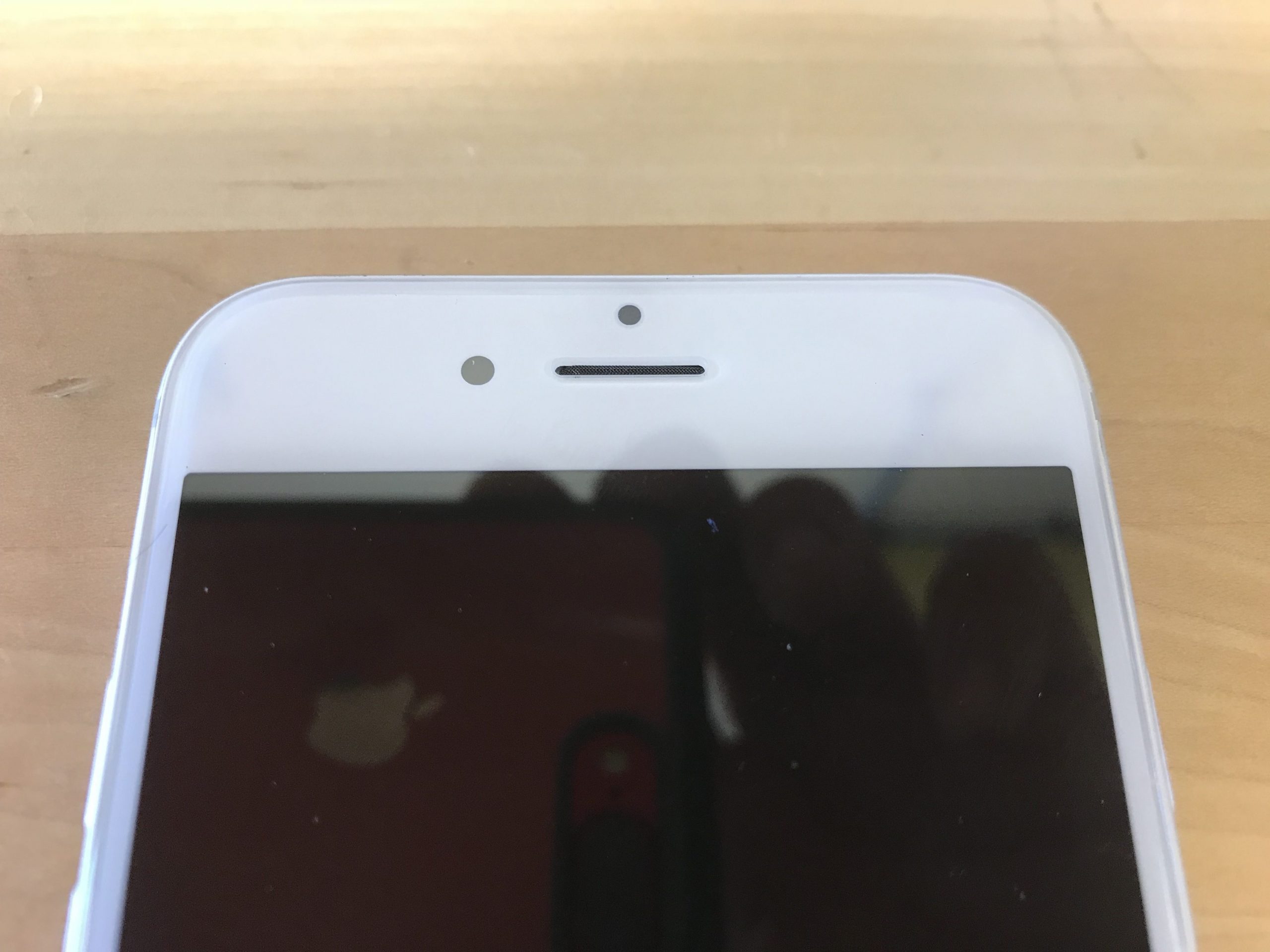
The front camera handles selfies, video calls and, on many phones, face unlock. When it stops working, it affects more than you’d expect. Here’s how to figure out what’s wrong.
Symptoms of a failing front camera
- Black screen when you switch to the selfie camera
- Blurry or hazy photos that don’t sharpen
- Black spots, lines or purple tint in the image
- The camera app freezes or crashes only on the front camera
- Video calls show no video from your side
Try these first
- Clean the lens. Fingerprints and pocket grime make photos hazy. Use a microfiber cloth.
- Check the screen protector. Some protectors cover or smudge the front camera cutout.
- Force-close the camera app and restart the phone.
- Try another app, like a video call app. If it works there, the camera hardware is fine.
- Install pending updates. Camera bugs get fixed in software updates.
What causes front camera failure
- Drops that crack the camera module or loosen its connector
- Moisture that fogs the lens from inside or corrodes the connector
- Earlier screen repairs. The front camera sits right by the screen, and a rushed repair can tear its flex cable
- Pressure on the top of the screen
Why it matters on iPhones with Face ID
On Face ID iPhones, the front camera works alongside the Face ID sensors in the notch or Dynamic Island. Some of those parts are paired to the phone’s logic board. A careless repair can break Face ID permanently. We test Face ID before and after any work near the top of the phone, and we tell you upfront if Face ID was already disabled.
How we fix it
We inspect the camera and its connector under the microscope. If the module is bad, we replace it and test photo, video and video calls. If the connector on the board is damaged, that’s micro-soldering we can repair. If moisture fogged the lens, we clean and dry the area and check for corrosion.
Front camera and face unlock
On Android phones, face unlock usually uses only the front camera, so a failing front camera also breaks face unlock. On Face ID iPhones, the front camera and the Face ID sensors are separate parts that sit together, and Face ID can still work even if the front camera fails, or the other way around. We test both separately so you know exactly what’s broken.
When it’s actually software
If the front camera works in one app but not another, or started acting up right after an update, it’s probably software. Clearing the camera app’s cache on Android, or updating iOS, often fixes it. If the camera fails in every app, including video calls, it’s hardware. We’ll do a quick test before quoting anything, and diagnostics are free.
Frequently asked questions
The back camera is the problem instead.
That’s a separate part. See our back camera post.
How long does a front camera repair take?
Usually the same day, depending on parts for your model.
Do you fix Samsung and Pixel front cameras?
Yes. See our phone repair page for all brands.
Call Charging Port at (919) 908-7444 or stop by 4201 University Dr in Durham.