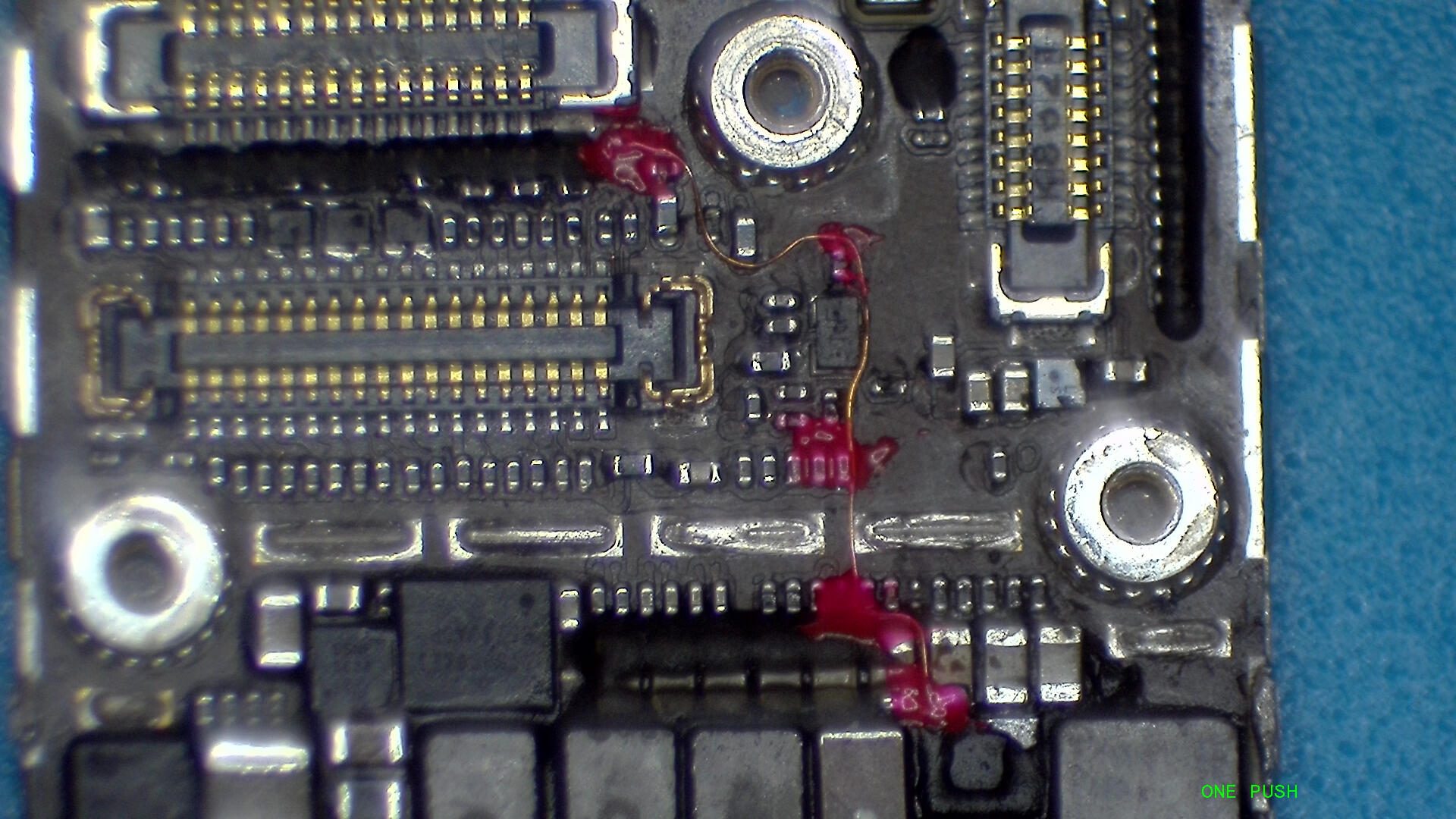
This one comes up more than it should. Someone gets a screen replaced, at a mall kiosk, a mail-in service or at home, and afterward the screen is black or so dim you can barely see it. The new screen gets blamed, a second screen gets installed, and nothing changes. Usually the real problem is on the logic board.
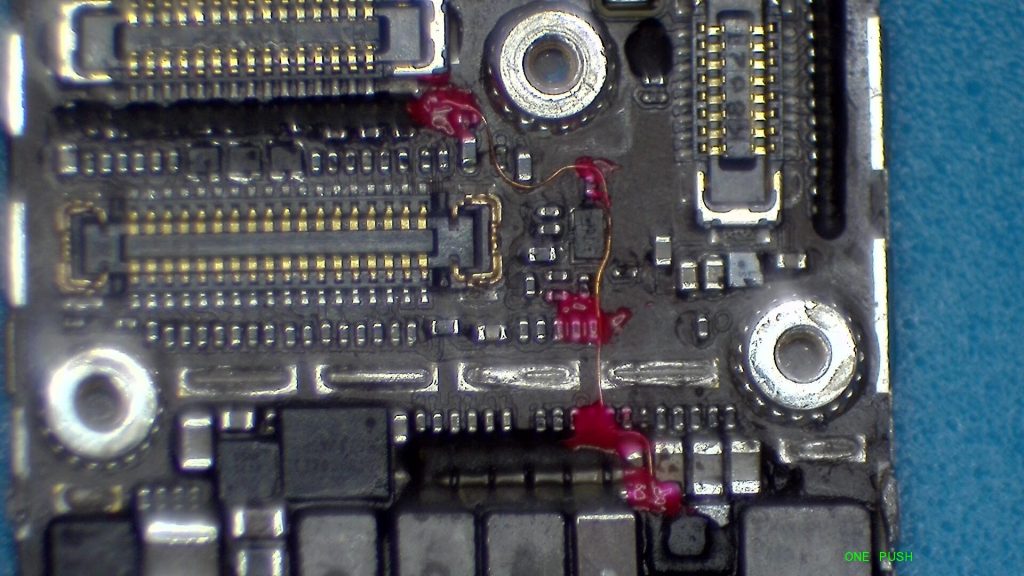
How the backlight works
On LCD iPhones, like the iPhone 6 through 8 Plus, the iPhone XR and iPhone 11, the display needs a backlight to be visible. The backlight is powered by a small circuit on the logic board: a coil, a filter, a diode and a few other parts. If any of those fail, the screen gets no light. The picture is there, but you can’t see it.
How a screen repair damages it
- Connecting the screen with the battery still plugged in. This is the classic cause. The connector touches at an angle, a pin bridges to the wrong line, and something on the board burns.
- A defective replacement screen with a short in its flex cable
- Pressing the connector on crooked or with debris in it
- Liquid damage that was already corroding the area
How to tell it’s the backlight
Shine a flashlight at the screen at an angle while the phone is on. If you can faintly see icons or the lock screen, the display works and the backlight circuit is the likely problem. Other clues:
- The phone rings, vibrates and responds to touch, but the screen looks black
- The screen was fine before the repair and dark right after
- Two different screens give the same result
How we fix it
We open the phone, take the board out and measure the backlight circuit. Under the microscope we usually find a burned filter or a failed component near the display connector. We replace the damaged parts, check the connector pins, and test with a known-good screen.
Because this is board-level work, most shops that only replace parts can’t do it. They’ll often say the board is dead. It usually isn’t.
How to avoid it
If you’re doing your own repair: always disconnect the battery first, and make sure the connector lines up before pressing it down. If you’re paying for a repair, ask whether the shop disconnects the battery. It’s a good sign of how they work.
Why this is more common on older iPhones
The iPhone 6 through iPhone 8 Plus, and the XR and 11, all use LCD screens with backlights, and their screen connectors sit right next to the backlight circuit. Those models also had the most third-party screen repairs, and many were done quickly at kiosks without disconnecting the battery. That combination is why we still see backlight damage on these phones every month.
Image is fine but touch is dead?
That’s a different problem, usually a damaged touch circuit or connector rather than the backlight. We repair those too. See our digitizer connector post for how connector damage works.
Frequently asked questions
Is this covered by the shop that did my screen?
That’s between you and them, but we can document what we find so you know what happened.
Does this happen on OLED iPhones?
OLED screens don’t use a separate backlight, but similar damage can happen to their display power circuits. We repair those too.
Will I lose my data?
No. Backlight repair doesn’t touch your storage.
Read about display damage, or see our iPhone board repair page. Call Charging Port at (919) 908-7444.