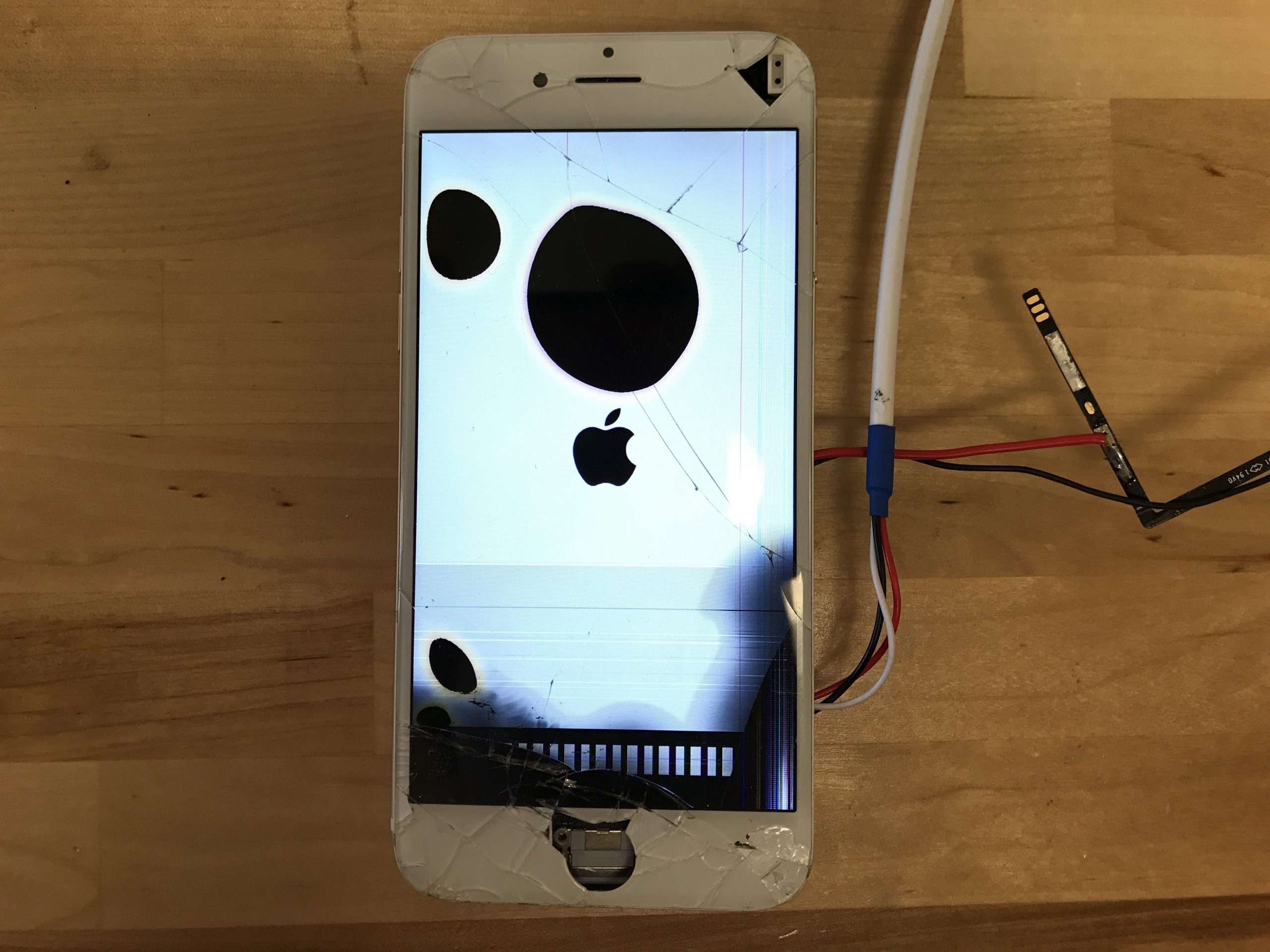
When people say their screen is broken, they usually mean the glass is cracked. A broken LCD (or OLED on newer phones) is different. It’s the layer that makes the picture, and once it’s damaged, the screen has to be replaced.
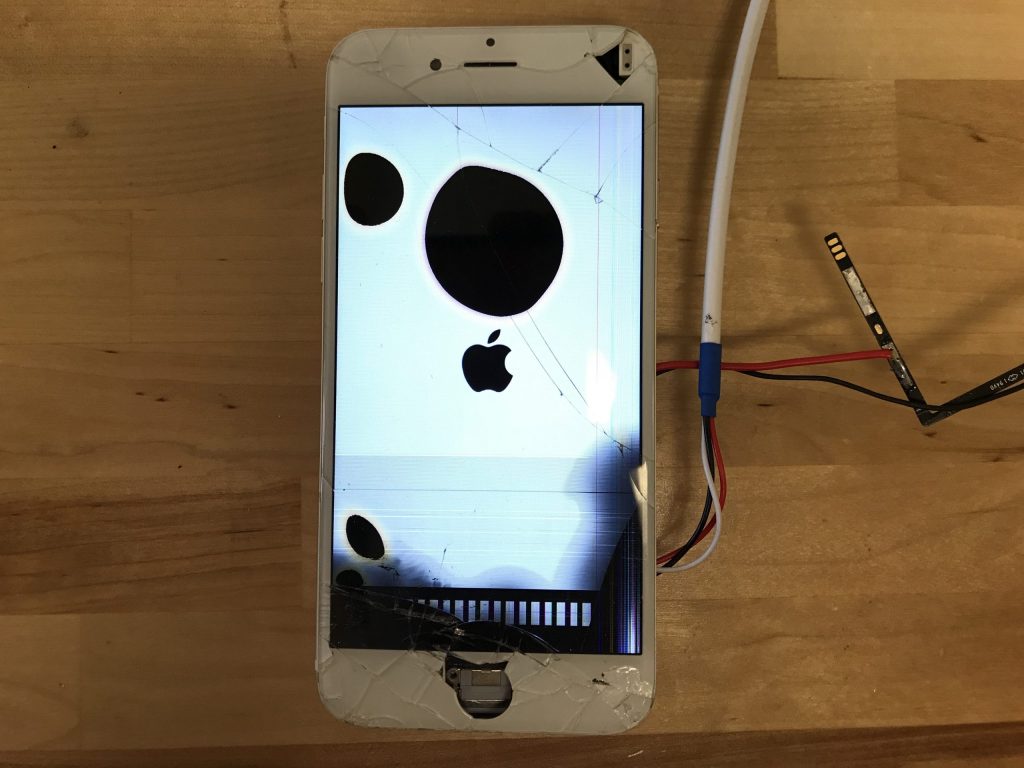
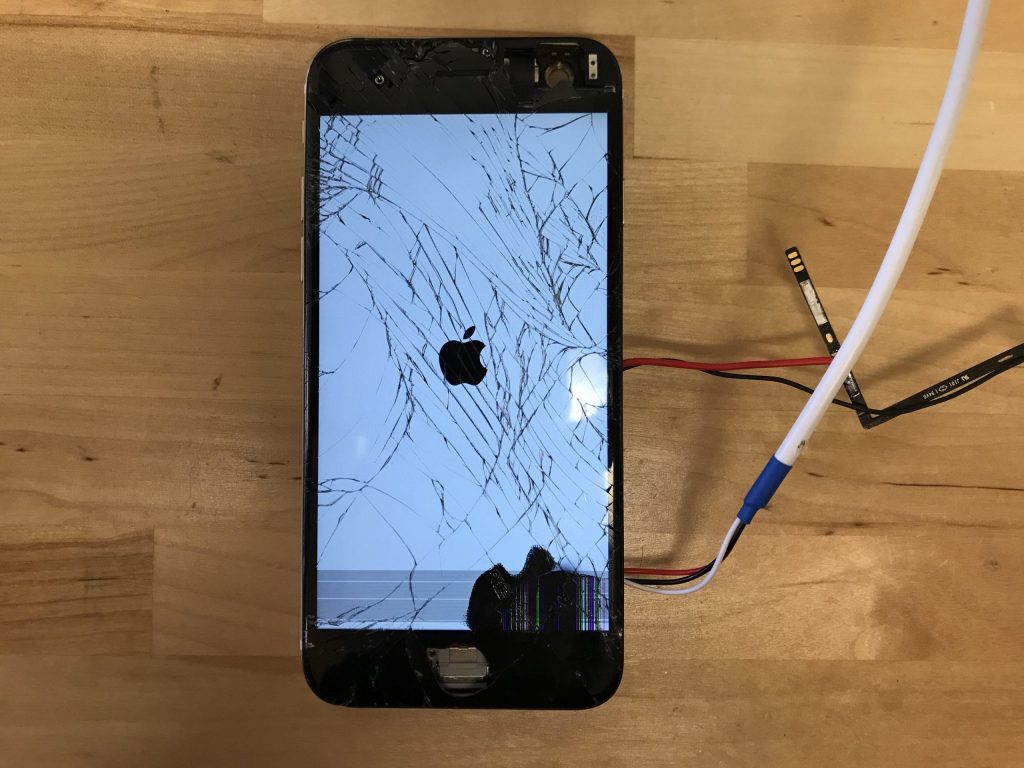
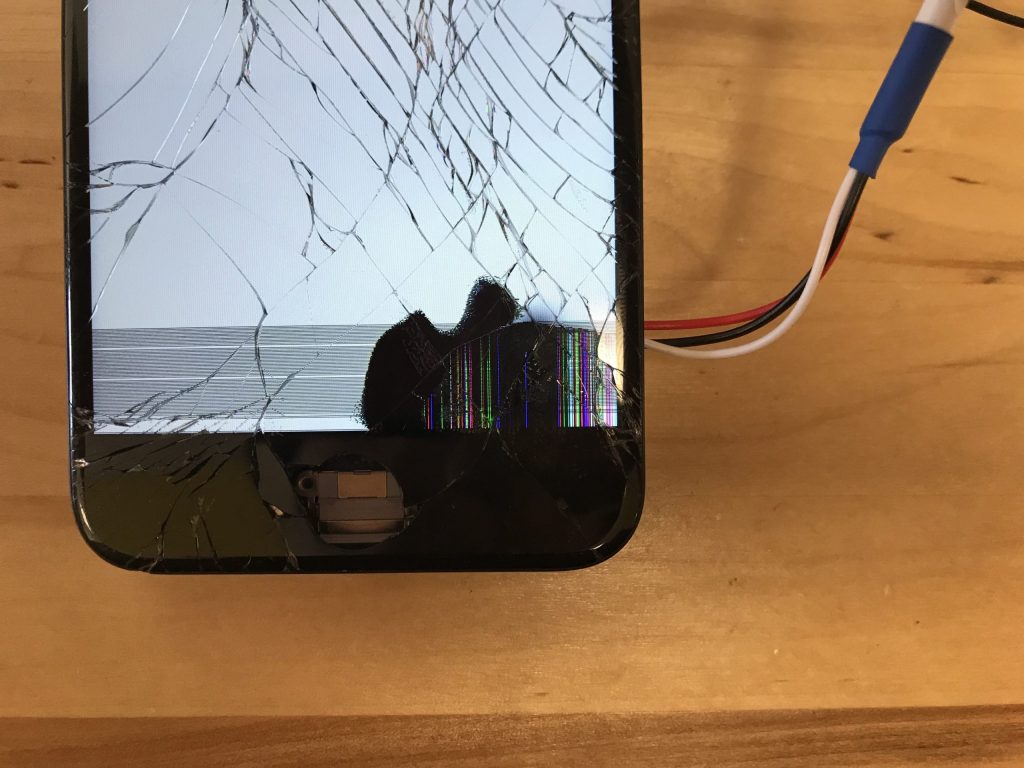
Symptoms of a broken display
- Black, purple or ink-like blotches that often spread over a few days
- Lines running across the screen, green, pink, white or rainbow colored
- Flickering or a screen that dims and brightens on its own
- A black screen while the phone still rings, vibrates or plays sound
- Ghost touches, where apps open or text types by itself
- Dead zones where touch doesn’t respond at all
- Image jumping or shifting when you press on the screen
Any of these mean the problem is deeper than the glass.
What causes it
A hard drop is the usual cause, especially on a corner. The impact can crack the display layer even when the outer glass looks almost fine. Other causes:
- Pressure, like sitting on a phone in a back pocket
- Liquid that reached the display connector
- A swelling battery pushing up on the screen from behind
- A loose or damaged display cable after a previous repair
LCD vs. OLED
Older iPhones and many budget phones use LCD screens, which have a backlight behind the panel. Most newer iPhones, Galaxys and Pixels use OLED, where each pixel makes its own light. OLED screens look better, but they’re more fragile and more expensive to replace. Black blotches and green lines are classic OLED damage.
Is it always the screen?
Not always, which is why we test first. Before replacing a display, we check:
- The display connector and cable for damage or corrosion
- The backlight circuit on LCD models, where a fault on the board can make a good screen look dead
- The battery, since a swollen one will crack a new screen too
Sometimes the fix is on the board, like a backlight circuit damaged during an earlier repair. Replacing the screen wouldn’t help in that case.
What the repair involves
We remove the damaged screen, transfer the parts that belong to your phone (like the earpiece bracket or sensors on some models), install the new display and test it before closing the phone. For iPhones you can choose between screen grades.
Can a broken display damage anything else?
Usually not, but there are exceptions. A display with a shorted flex cable can, in rare cases, damage the display power circuit on the board, which is why we never plug in a damaged screen with the battery connected. And ghost touches can do real harm to your accounts by opening apps, calling contacts or sending messages on their own. If your screen is ghost-touching, turn on a passcode and keep the phone locked until it’s fixed.
Screen grades, explained
Replacement screens come in different quality levels. On iPhones we offer Premium screens that match the original OLED closely, and Select screens that cost less. On Samsung and Pixel phones we use service-pack displays with the frame attached. We’ll walk you through the options for your exact phone.
Frequently asked questions
Can I keep using a phone with a broken LCD?
Sometimes, but damage tends to spread and ghost touches can open apps or call people. Back up your data while you still can.
Will my data be safe?
Yes. Screen replacement doesn’t erase anything.
Do you replace screens on Samsung and Pixel too?
Yes. See our phone repair page for every brand we work on.
Call Charging Port at (919) 908-7444 or stop by 4201 University Dr in Durham.